

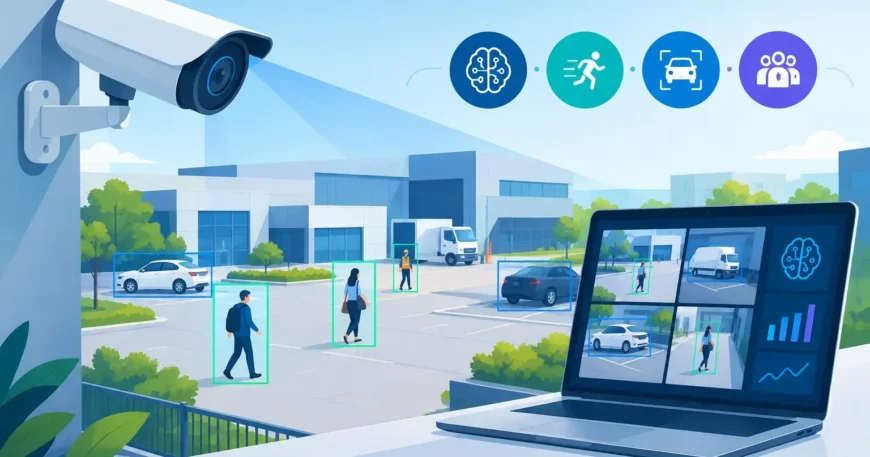
A camera that records an incident after the fact has value. A system that alerts the right person when a person enters a restricted loading area, a vehicle stops at a gate, or a package is left at a doorway can change the outcome entirely. That is the practical shift behind AI video surveillance trends: security footage is becoming easier to search, quicker to act on and more useful for day-to-day site management.
For business owners, property managers and homeowners, the technology is only as good as the cabling, network capacity, camera placement and response process behind it. Artificial intelligence can reduce noise, but it cannot fix a poorly positioned camera, unreliable Wi-Fi or an overloaded network switch.
AI video surveillance trends that matter
The most useful developments are not science fiction. They are practical tools built into modern IP camera and video management platforms, designed to help people review less irrelevant footage and respond to genuine events sooner.
Smarter detection of people, vehicles and objects
Traditional motion detection reacts to changes in pixels. A moving tree branch, rain, shadows, insects near the lens or headlights sweeping across a driveway can all create alerts. AI-assisted analytics can classify what is moving and distinguish a person, vehicle, animal or other object.
For a warehouse, that may mean an alert when someone enters a fenced compound after hours, rather than dozens of alerts caused by weather. For an apartment property, it can help staff locate footage of a vehicle entering a car park or identify recurring activity around a mail room. At a home, it can reduce mobile notifications triggered by pets or passing traffic.
The trade-off is that classification is not perfect. Camera angle, lighting, distance and scene complexity all affect accuracy. A reliable design still starts with the right camera for the area, installed at the right height and aimed at a clear field of view.
Searchable video instead of hours of playback
One of the strongest AI video surveillance trends is forensic search. Rather than manually reviewing eight hours of footage, an authorised user may be able to search for a person wearing a particular colour, a white ute, a vehicle travelling in a specified direction or an object left in a defined zone.
This is particularly useful where incidents are reported well after they occur. A property manager investigating damage in a common area, or an office manager checking a delivery dispute, can narrow the review period without tying up staff for most of the day.
Search features vary widely between systems. Some analytics run on the camera, some run on a local recorder or server, and others depend on cloud processing. Before selecting equipment, decide which searches will genuinely help your site and whether the system can retain the required footage at the chosen resolution.
Perimeter and line-crossing alerts
Virtual tripwires and restricted zones are becoming more dependable when combined with AI object classification. A camera can be configured to notify staff when a person crosses a line at a rear entrance, remains near a secure door, enters a plant room corridor or moves through a vehicle gate in the wrong direction.
These rules should match how the property operates. A busy warehouse yard may need different schedules for delivery hours, staff shifts and weekends. An office building may need alerts only at selected entrances after close of business. Poorly configured rules create alert fatigue, which is one of the main reasons security teams stop trusting a system.
Better integration with access control and intercoms
Video is increasingly part of a wider low-voltage security setup. When an access card is used, a door is forced open or an intercom call is placed, the associated camera footage can provide useful context. The goal is not to add technology for its own sake. It is to give site staff a clear record of what happened at a door, gate, lift lobby or loading dock.
For multi-dwelling properties, this can support a more manageable visitor and delivery process. For commercial sites, it can assist with investigations, contractor access and after-hours security. Integration needs planning at the beginning, particularly where existing door hardware, network switches and cabling are being retained.
The network is part of the surveillance system
AI cameras commonly use higher resolutions, stronger processing and more frequent data transmission than older analogue systems. That can place real demands on structured cabling, Power over Ethernet switching, recorder storage and internet connectivity.
A camera installation should not compete with core business traffic because it has been added to an already crowded network without planning. Separating surveillance traffic through appropriate network design can improve performance and make fault finding simpler. Cat6 cabling, correctly labelled patch panels, managed PoE switches and suitable uplinks give a system room to grow.
Storage is another practical consideration. Higher-resolution video provides more detail, but it also consumes more capacity. Continuous recording, motion-based recording and event recording each have different storage requirements. The right choice depends on the risk level, the number of cameras, the site’s operating hours and how long footage needs to be available.
Cloud-managed cameras can reduce some on-site hardware requirements, but they introduce recurring costs and rely heavily on dependable internet service. Local recording can offer greater control and predictable retention, although it requires properly sized equipment and maintenance. Many sites benefit from a hybrid arrangement, with local recording for primary footage and secure off-site access for authorised users.
Privacy and security cannot be an afterthought
More intelligent video systems collect more useful information, which means access and privacy controls need to be taken seriously. Cameras should be installed for a clear purpose, not simply because an area can be covered. Avoid recording neighbouring properties, private living areas and locations where people have a reasonable expectation of privacy.
For workplaces and shared residential areas, clear signage and sensible policies help set expectations. Organisations should also determine who can view live video, export footage, change camera settings and delete recordings. Individual user accounts are preferable to shared passwords, particularly where managers, security staff and contractors need different levels of access.
Cybersecurity matters just as much. Cameras, recorders and network equipment should use changed default credentials, current firmware, protected remote access and properly configured network settings. An internet-connected camera with weak security is not a security upgrade.
How to plan an AI-ready upgrade
Start with the operational problem, not a camera model. A retail site may need better coverage of point-of-sale areas and entrances. A warehouse may need vehicle and perimeter monitoring. An apartment manager may be focused on car parks, mail rooms, bin areas and controlled entry points. A homeowner may want clear driveway coverage and reliable notifications at the front door.
A practical site assessment should consider lighting, mounting points, cable pathways, existing network equipment, power availability, viewing distances and likely future expansion. It should also identify whether cameras need to capture identification-level detail or simply provide general situational awareness. Those are different requirements and often need different lenses, locations and resolutions.
Georgia Technical Services can plan and install the cabling, IP cameras, network hardware and supporting infrastructure as one coordinated project. That approach helps avoid the common problem of buying capable cameras, then discovering the wiring, switch capacity or recording hardware will not support them properly.
AI features are most valuable when they make a real task faster: finding an incident, checking a gate, managing deliveries or responding to an after-hours alert. Choose the functions that solve those tasks, build them on dependable infrastructure and review the configuration as the property changes. A well-planned system should give your team fewer distractions and clearer information when it counts.
